App tour

How Healing Sounds works

One tap starts a deep 75 Hz gong and singing bowl sound bath. Every sound brings its own colour theme, a sleep timer fades it out gently, and your sessions save to Apple Health. Here is the whole app, screen by screen, so you know exactly what you get.

Updated · 10 screens · 28-second video

The app in 28 seconds

Healing Sounds in short

Healing Sounds is a meditation and sound therapy app for iPhone, iPad, Mac and Apple Vision Pro. You open it, press one button, and a low-frequency 75 Hz sound bath of Tibetan gongs and singing bowls begins. Change to rain, a river, a fireplace, a Paris café or footsteps in fresh snow, and the screen changes colour with the sound. Set a timer, close your eyes, and the app does the rest.

Step by step

The app in 10 screens

Scroll through Healing Sounds as you'll use it, from the first tap to your journey.

Healing Sounds home screen with a large golden play button, the Gong & Bowl sound and a 20 minute timer Healing Sounds Christmas Fireplace theme in warm red, with the blue and green themes of neighbouring sounds beside it Healing Sounds sound list in the blue Rain & Thunder theme, with Gong & Bowl, Christmas Fireplace, By the River and Café de Paris Healing Sounds with the new Snow Walking sound selected in a light blue and white theme Healing Sounds during a session: a glowing sun and a countdown timer Healing Sounds sleep timer sheet in a green theme with durations from 5 minutes to 2 hours Healing Sounds paused session in the red fireplace theme with the remaining time and a tap-the-sun-to-continue prompt Healing Sounds Your Journey screen showing a 14 day streak, 35 sessions and 13 hours 20 minutes of calm Healing Sounds settings with Apple Health, Lock Screen & Dynamic Island controls and gentle reminders switched on Healing Sounds What's New screen announcing the Snow Walking sound and Lock Screen controls
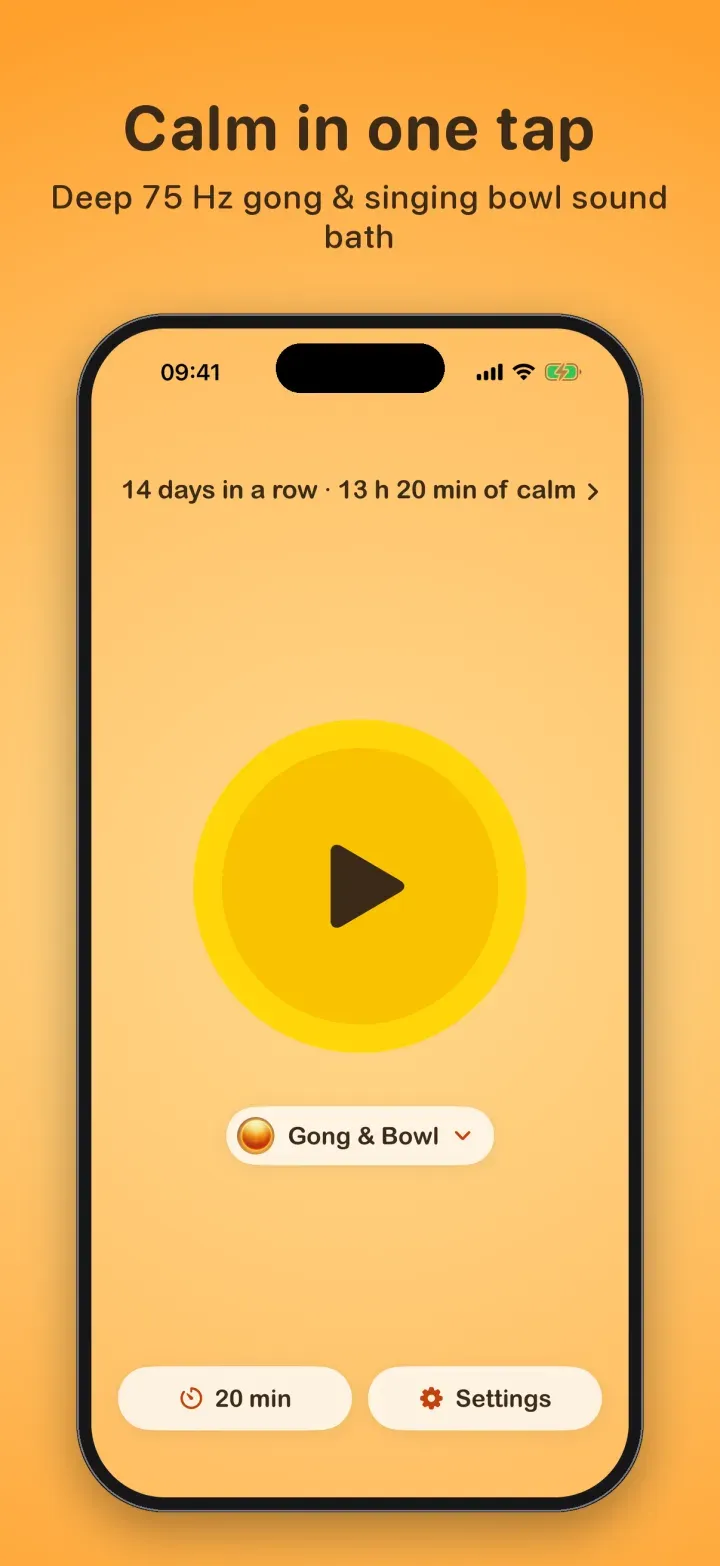
  1. Healing Sounds home screen with a large golden play button, the Gong & Bowl sound and a 20 minute timer

    01 Start

    Calm in one tap

    A deep 75 Hz gong and singing bowl sound bath, the moment you open the app.

    There is no account to create, no menu to learn and no onboarding quiz. The home screen is one big golden play button, your current sound and your timer. Tap it and the sound bath begins.

    • One-tap start
    • No account
    • 75 Hz gong & bowl
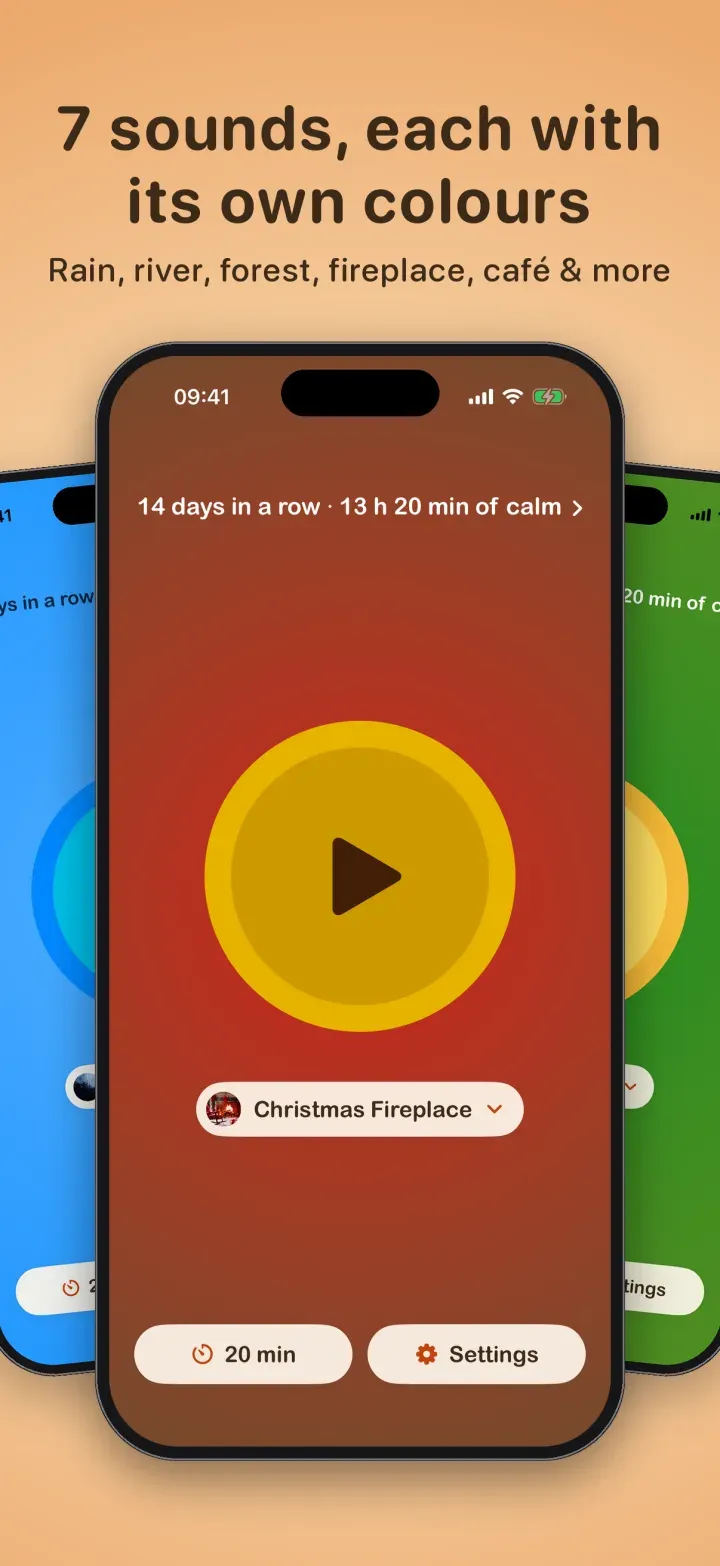
  2. Healing Sounds Christmas Fireplace theme in warm red, with the blue and green themes of neighbouring sounds beside it

    02 Themes

    7 sounds, 7 colour themes

    Every sound brings its own colours, and the whole screen changes with it.

    Gong & Bowl glows golden like the sun. Christmas Fireplace turns the screen a warm ember red. Rain & Thunder goes deep blue and Snow Walking a frosty white-blue. Swipe between sounds and the app changes mood with you, so each practice feels like its own place.

    • Golden Gong & Bowl
    • Ember-red Fireplace
    • Deep-blue Rain
    • Frosty Snow Walking
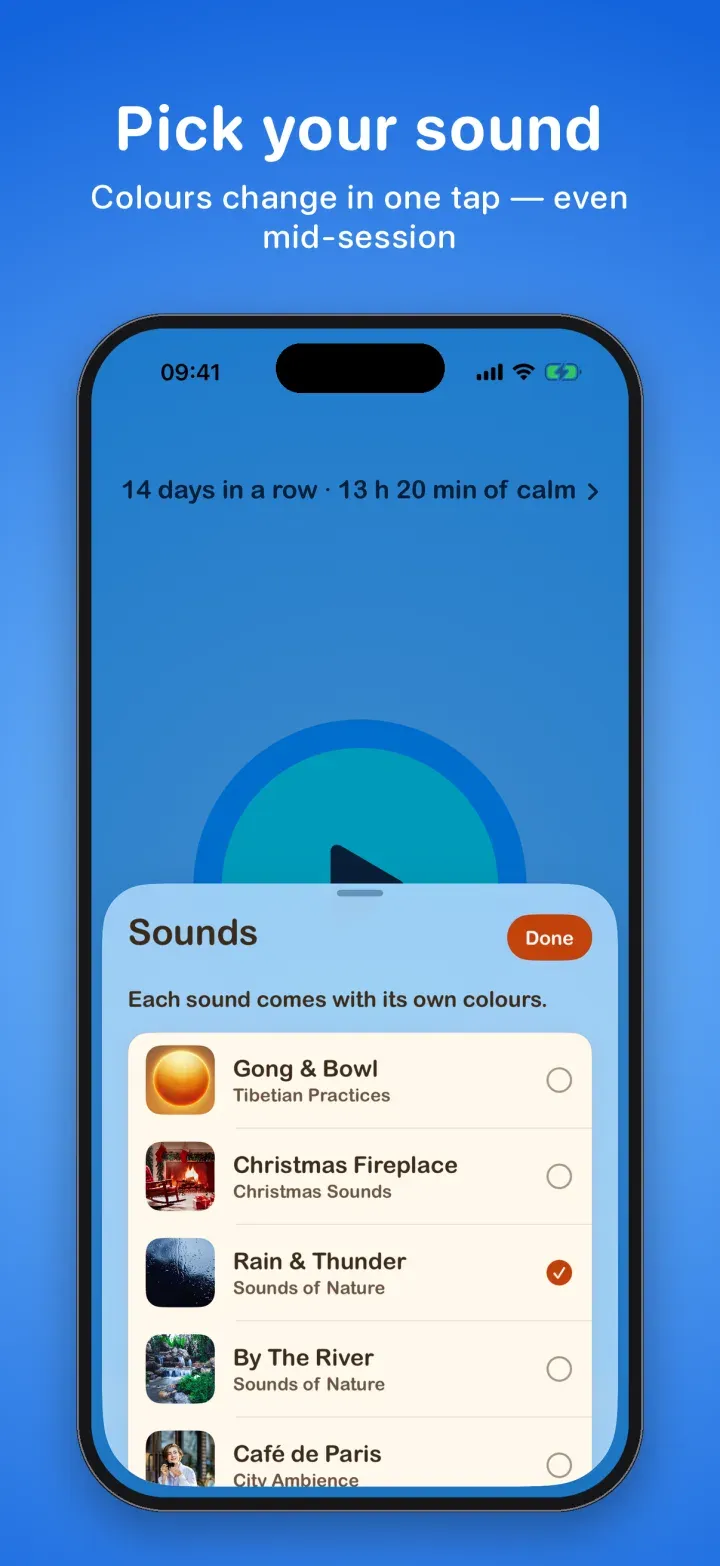
  3. Healing Sounds sound list in the blue Rain & Thunder theme, with Gong & Bowl, Christmas Fireplace, By the River and Café de Paris

    03 Sounds

    Pick your sound, change the mood

    Colours change in one tap, even mid-session.

    Open the sound list and switch between Gong & Bowl, Christmas Fireplace, Rain & Thunder, By the River, Café de Paris and more. The theme follows instantly, without stopping your session or resetting your timer.

    • Switch mid-session
    • Nature, city & Tibetan sounds
    • Timer keeps running
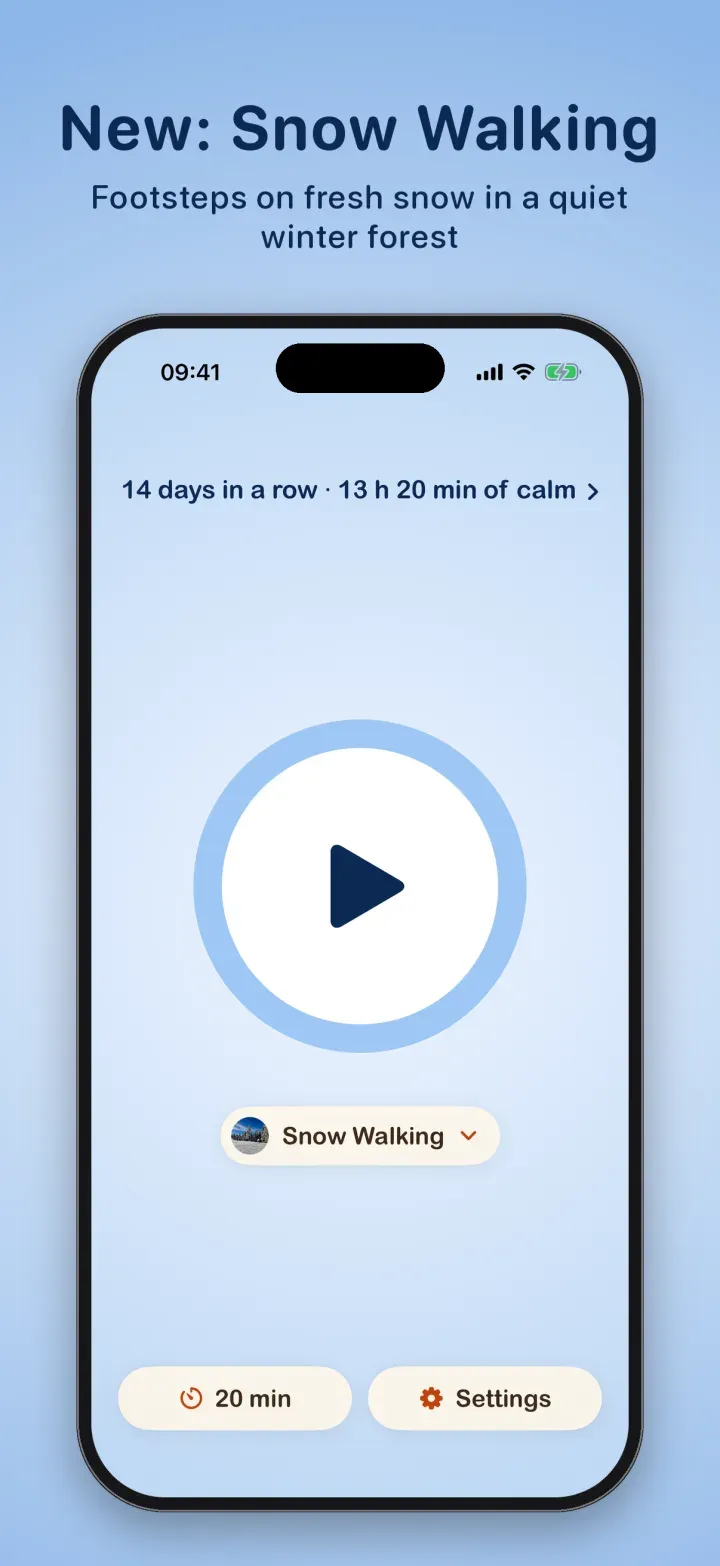
  4. Healing Sounds with the new Snow Walking sound selected in a light blue and white theme

    04 New

    New: Snow Walking

    Footsteps on fresh snow in a quiet winter forest, in a frosty white-blue theme.

    New sounds arrive through free updates, each with its own colour theme. Snow Walking is the latest: slow, soft steps through a still forest, perfect for a calm winter evening.

    • Free update
    • Frosty theme
    • Nothing extra to buy
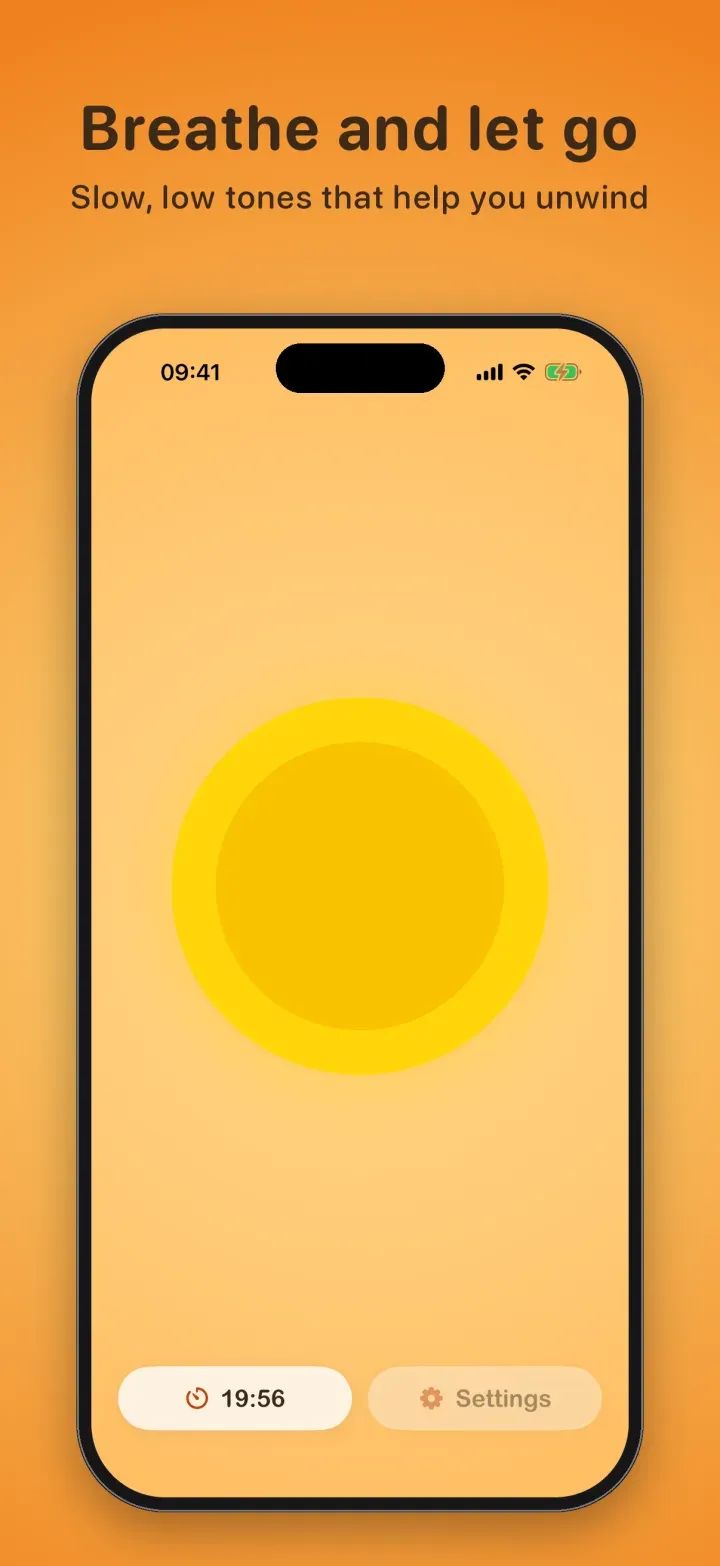
  5. Healing Sounds during a session: a glowing sun and a countdown timer

    05 Session

    Breathe and let go

    Slow, low tones and a screen that stays out of your way.

    While a session plays, the interface fades back to a glowing sun and a quiet countdown. Nothing to read, nothing to tap. Close your eyes and let the low frequencies do the work.

    • Minimal screen
    • Quiet countdown
    • Keep-screen-on option
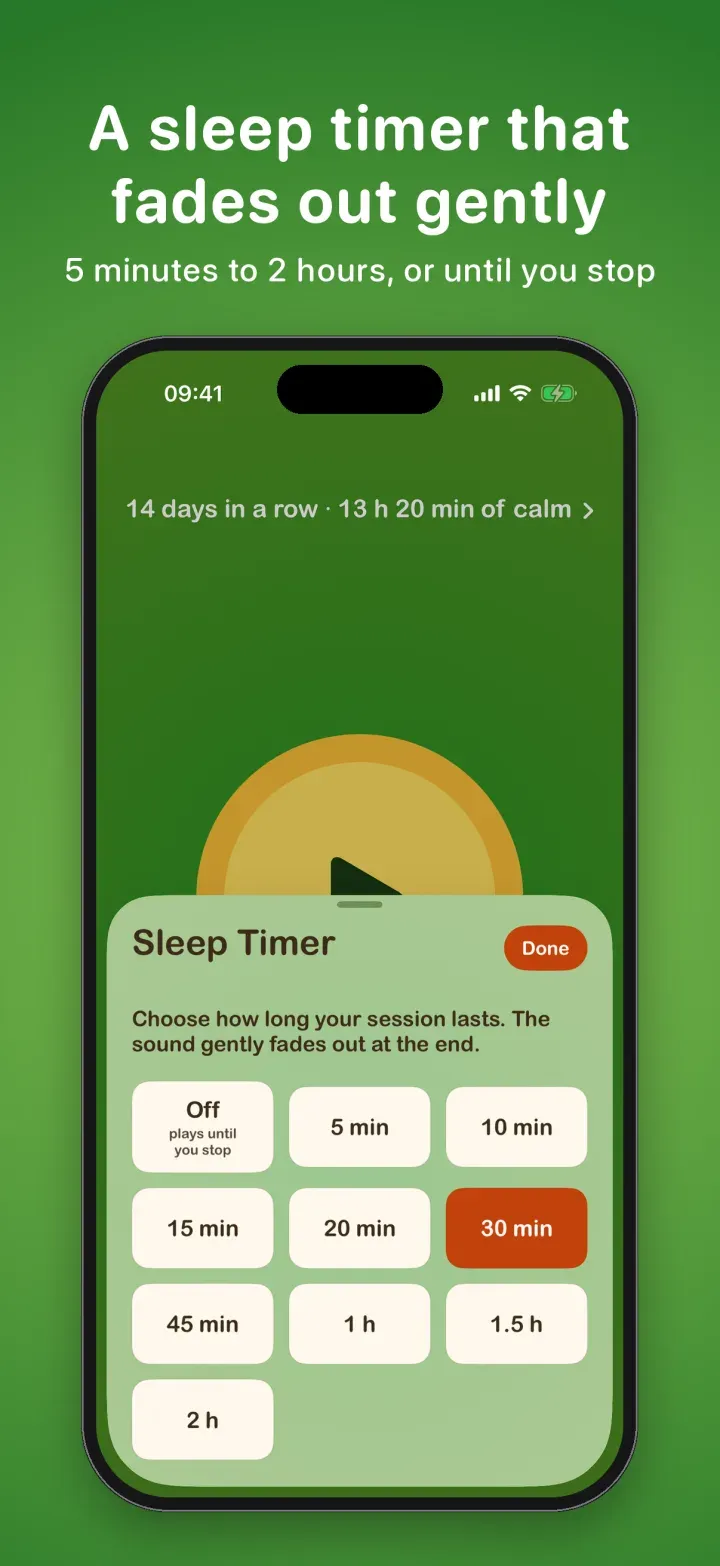
  6. Healing Sounds sleep timer sheet in a green theme with durations from 5 minutes to 2 hours

    06 Sleep

    A sleep timer that fades out gently

    5 minutes to 2 hours, or play until you stop.

    Choose how long your session lasts. At the end the sound fades softly instead of cutting off, so it will not pull you back out of sleep.

    • 5 min – 2 h
    • Gentle fade-out
    • Or play endlessly
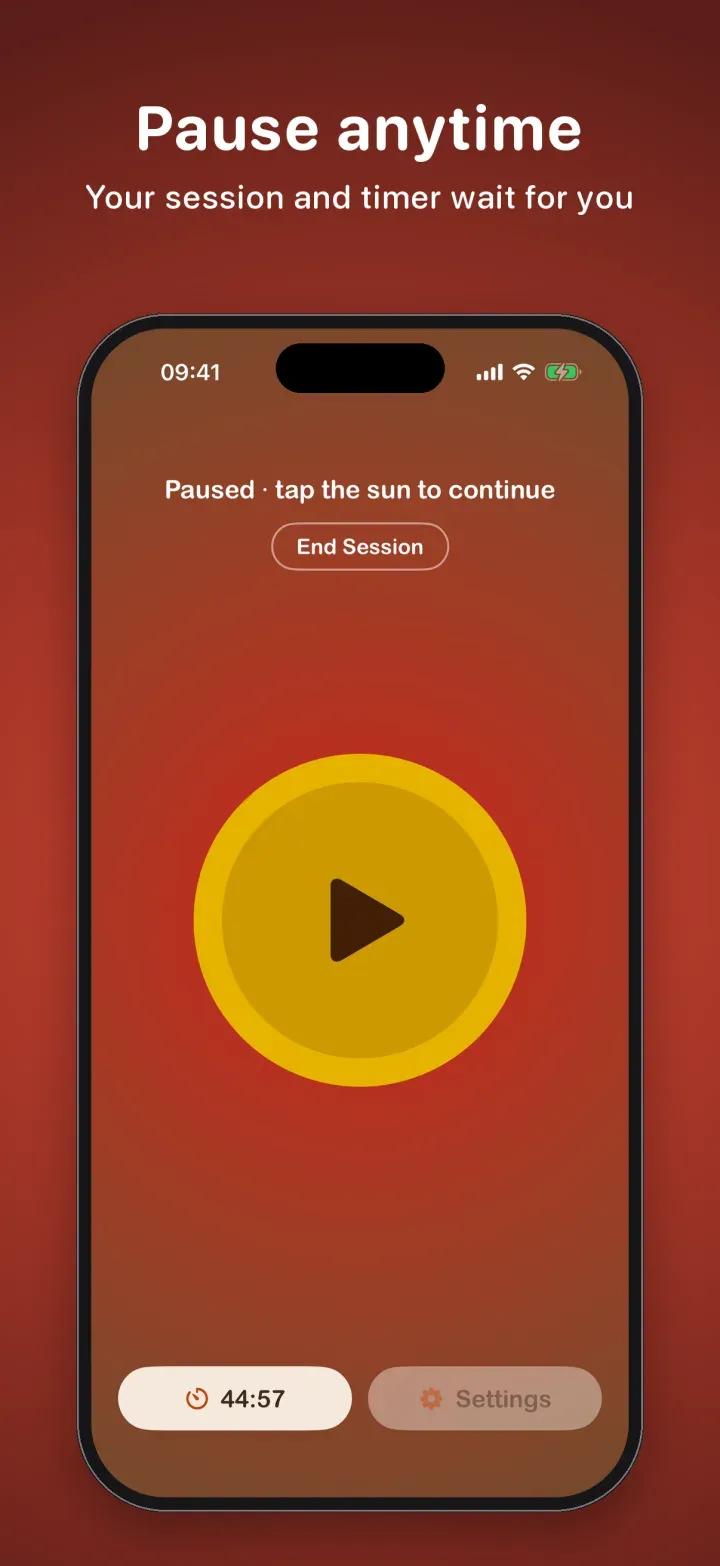
  7. Healing Sounds paused session in the red fireplace theme with the remaining time and a tap-the-sun-to-continue prompt

    07 Pause

    Pause anytime

    Your session and timer wait for you.

    Doorbell, kids, a phone call. Pause, and the remaining time is kept. Tap the sun to continue, or end the session. Only the time you actually listened is saved to Apple Health.

    • Timer is kept
    • Tap the sun to resume
    • Honest Mindful Minutes
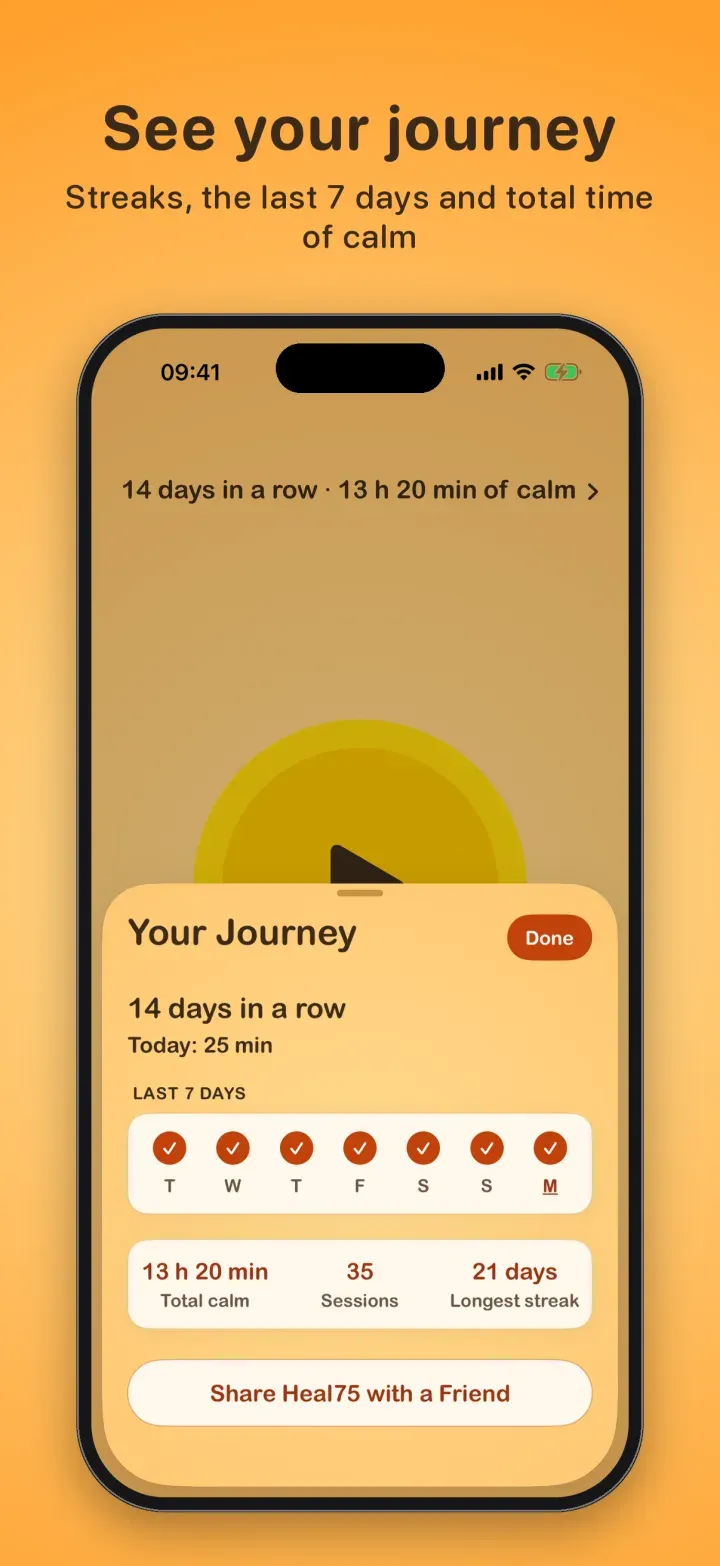
  8. Healing Sounds Your Journey screen showing a 14 day streak, 35 sessions and 13 hours 20 minutes of calm

    08 Journey

    See your journey

    Streaks, the last 7 days and your total time of calm.

    A small daily ritual is easier to keep when you can see it. Your Journey shows your streak, sessions this week, total time and your longest streak.

    • Daily streak
    • Last 7 days
    • Total time of calm
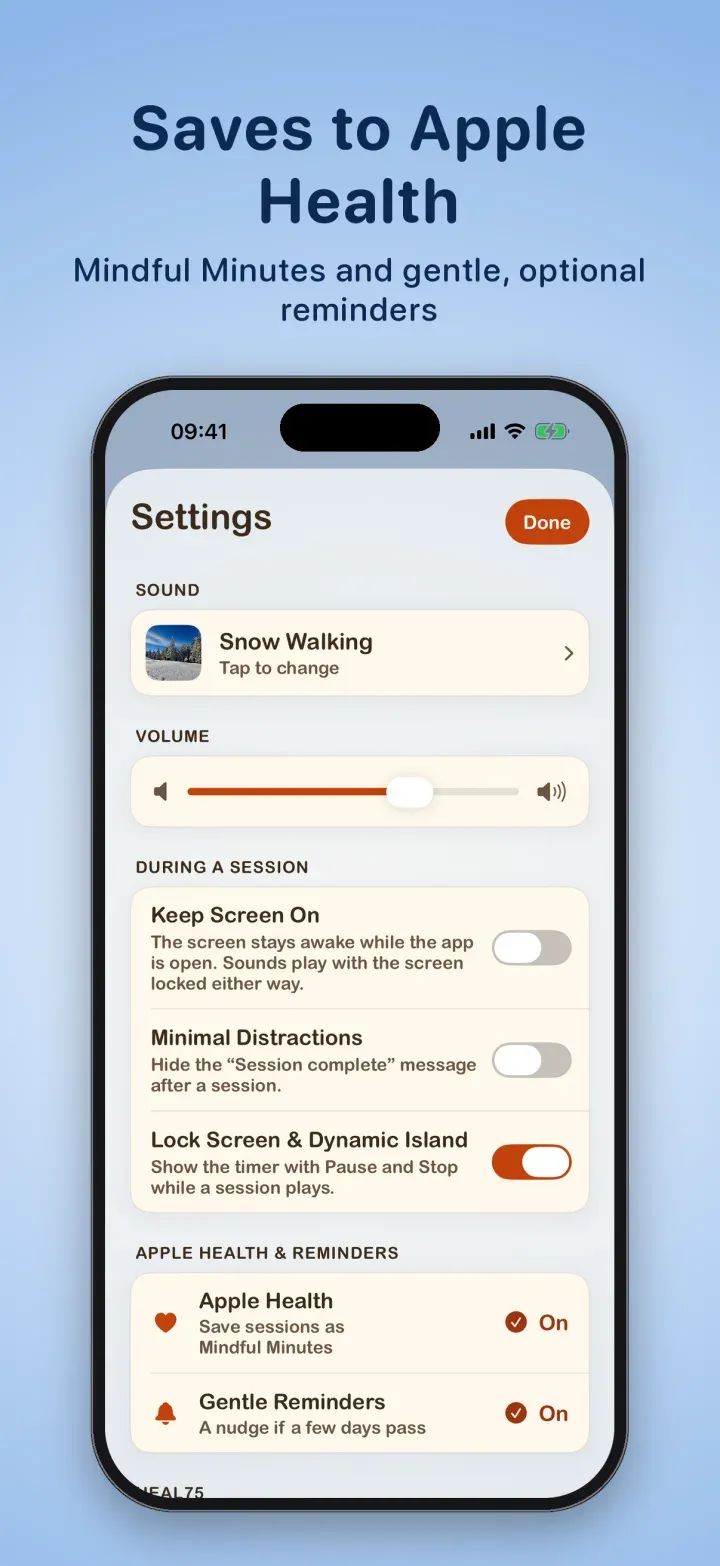
  9. Healing Sounds settings with Apple Health, Lock Screen & Dynamic Island controls and gentle reminders switched on

    09 Health

    Saves to Apple Health

    Mindful Minutes and gentle, optional reminders.

    Sessions are saved as Mindful Minutes in Apple Health. Reminders are optional and gentle. Lock Screen and Dynamic Island controls let you pause or stop without opening the app.

    • Mindful Minutes
    • Lock Screen controls
    • Optional reminders
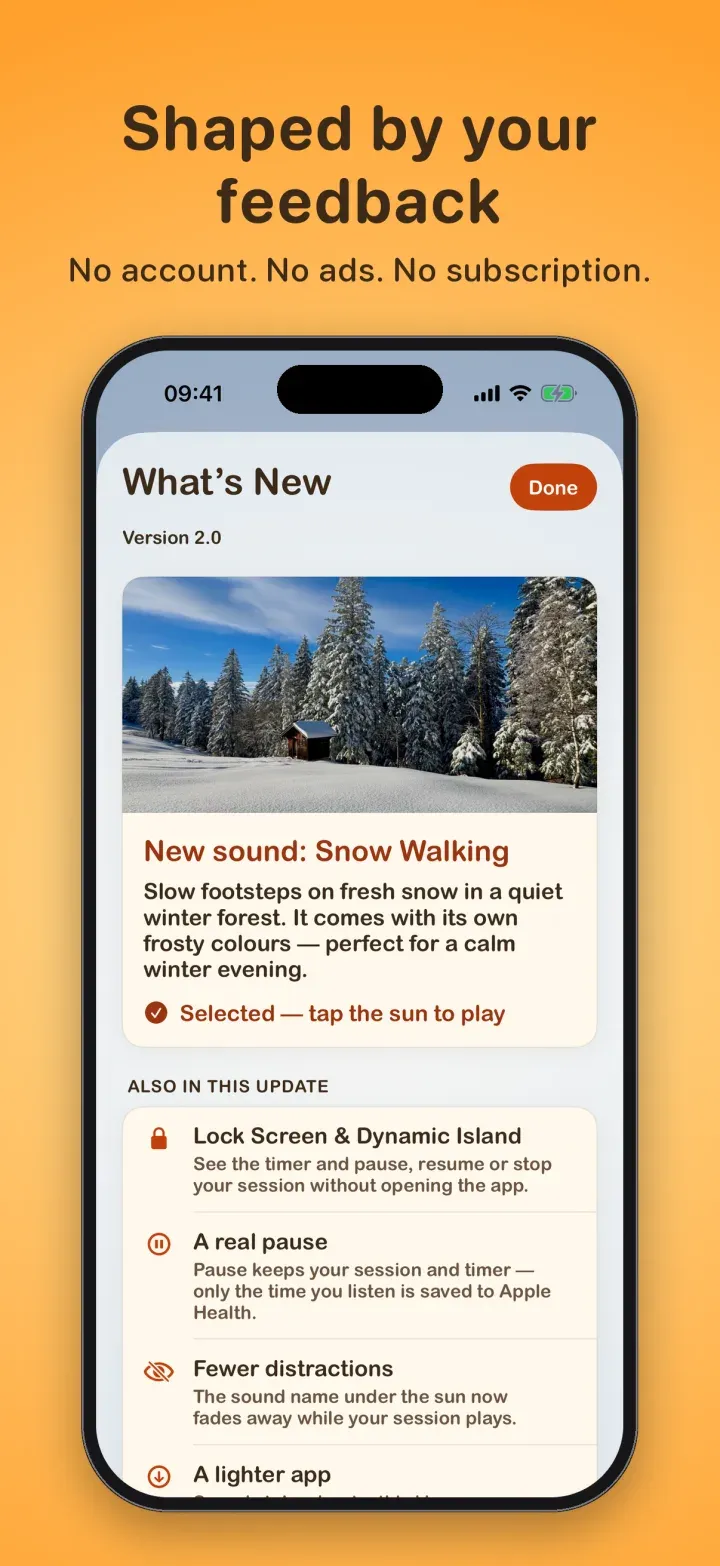
  10. Healing Sounds What's New screen announcing the Snow Walking sound and Lock Screen controls

    10 Updates

    Shaped by your feedback

    No account. No ads. No subscription.

    Every update, from new sounds and themes to Lock Screen controls and a real pause, comes from what listeners ask for. Pay once and every future update is included.

    • Free updates
    • No ads, ever
    • Pay once
    Download Healing Sounds – $2.99
Key features

Everything in the app

  • One-tap start

    No account, no menus. Press play and the sound bath begins.

  • A colour theme per sound

    Golden gong, ember-red fireplace, deep-blue rain, frosty snow.

  • Gentle sleep timer

    5 minutes to 2 hours, with a soft fade-out at the end.

  • Streaks & journey

    Your streak, last 7 days and total time of calm.

  • Apple Health

    Sessions saved as Mindful Minutes, with honest pause handling.

  • Lock Screen controls

    Pause or stop from the Lock Screen and Dynamic Island.

FAQ

Questions about the app

How do I start a session in Healing Sounds?

Open the app and tap the large play button. A 75 Hz gong and singing bowl sound bath starts instantly. There is no account or setup.

Does every sound have its own theme?

Yes. Each of the 7 sounds comes with its own colour theme: Gong & Bowl glows golden, Christmas Fireplace turns ember red, Rain & Thunder goes deep blue and Snow Walking frosty white-blue. The whole screen changes when you switch.

Can I change the sound during a session?

Yes. Open the sound list and pick another sound at any time, even mid-session. The new sound fades in, the theme changes and your timer keeps running.

Does the sleep timer stop abruptly?

No. Choose 5 minutes up to 2 hours, or play until you stop. The sound fades out gently at the end.

Does Healing Sounds work offline?

Yes. Sounds are built into the app, so you can meditate without an internet connection.

Does it sync with Apple Health?

Yes. Sessions are saved as Mindful Minutes in Apple Health. If you pause, only the time you actually listened is saved. Reminders are optional.

Is there a subscription?

No. Healing Sounds is a one-time $2.99 purchase with no ads, no subscription and no account. Future updates are included.

Want the full feature list? See Healing Sounds or learn why sound healing helps.

Try Healing Sounds today

Calm in one tap, in your own colours. $2.99 once. No ads, no subscription, works offline.

  • $2.99 once
  • No ads, ever
  • Works offline
  • Family Sharing
← Back to all apps
Smiling monk, ready to meditate